You've arrived in Barcelona, the ship is safely docked and you've decided to look up somewhere for lunch. What could be more straightforward? You're in Spain, after all, and your mobile contract includes European roaming.
Unfortunately, your phone might have other ideas.
Cruise ships operate their own mobile networks, and connecting to one can cost considerably more than using an ordinary network ashore. Your phone may switch between the two automatically as you approach port, without giving you much indication that the price of sending a message has changed.
The good news is that maritime networks are generally switched off before ships enter harbour. The less reassuring news is that standing on deck with a perfectly good view of dry land doesn't necessarily mean you're connected to a land-based network.
Here's how to avoid paying a small fortune for something that could probably have waited until lunch.
Why are mobile roaming charges different at sea?

Cruise ships can provide mobile coverage through equipment that works much like a miniature phone mast. Your mobile connects to the ship's network, which then carries communications back to land, typically using a satellite connection.
Services such as Cellular at Sea allow passengers to make calls, send texts and use mobile data far beyond the reach of ordinary coastal phone networks.
The crucial distinction is how you're charged.
Rather than paying the ship directly, you're generally billed by your usual mobile provider, which treats the connection as maritime roaming. Your normal UK allowance, European roaming package or international travel pass may not include it.
According to Ofcom, satellite-connected services used on ferries and cruise ships can be considerably more expensive than ordinary international roaming.
And the difference isn't necessarily small.
EE's published maritime charges, for example, list calls made or received at £3.52 per minute and outgoing texts at 86p each. A separate £15 maritime pass provides 500MB of data and certain calling and texting allowances for 24 hours, subject to the plan's terms.
Other providers have different arrangements, so it's essential to check your own tariff. Three explicitly warns that its Go Roam allowances don't include maritime networks, even when the ship is visiting a destination where ordinary roaming is covered.
Does a cruise ship switch off its mobile network when it reaches port?
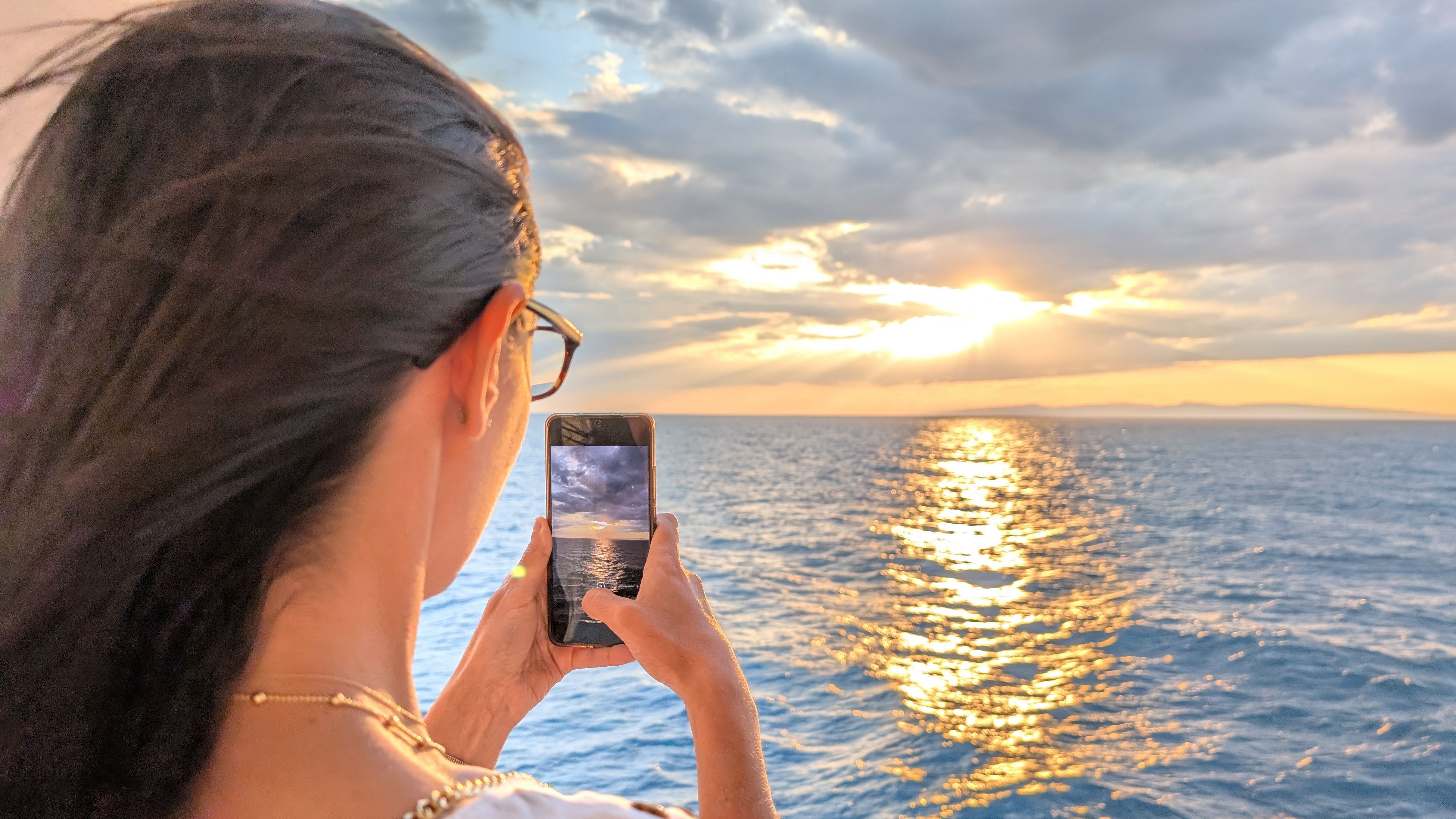
Generally, yes. And there's a technical reason for that. Shipboard mobile networks can interfere with ordinary networks on land, so their operation close to shore is restricted.
Under UK regulations, certain onboard mobile systems mustn't operate within two nautical miles of the coastal baseline, while 4G systems have a four-nautical-mile restriction. Similar rules apply in EU waters, with technical conditions varying by the type of mobile technology.
A nautical mile is approximately 1.85 kilometres, so these restrictions begin well before a ship reaches its berth.
In practice, many operators take an even simpler approach. Norwegian Cruise Line says its onboard mobile service operates only when ships are at least 12 nautical miles from shore and shuts down automatically as they approach port. Carnival describes a similar changeover between maritime and local mobile networks.
That means you generally shouldn't be connected to your own ship's maritime network once it's docked in a conventional UK or European cruise port.
But not every cruise takes place in European waters, and operating arrangements differ between ships and destinations.
There are also ports where vessels anchor offshore and passengers travel ashore by tender. Depending on the anchorage, the ship may be some distance from a reliable land-based mobile signal.
The important distinction is between being close enough to see land and being connected to an ordinary national mobile network. They're not always the same thing.
Why might your phone still show a maritime network near shore?

Your mobile doesn't necessarily change networks the instant a coastline appears.
Phones normally select an available network automatically, taking account of factors such as signal strength and roaming agreements. While a ship's network is operating offshore, your phone may remain connected to it even as a land-based signal becomes available.
Once the onboard system switches off, the phone should search for another network. That changeover may take a little time, particularly if local coverage is weak or you're inside a large metal vessel.
It's also possible to receive a maritime roaming charge after you've reached port, even though the charge relates to activity earlier in the voyage. Cruise operators warn that usage information can take time to appear on your mobile bill.
The most useful thing to check is the network name displayed by your phone.
Maritime connections may appear under names such as Cellular at Sea, Maritime or an unfamiliar network code beginning with 901. Exact labels vary depending on the operator, device and network.
By contrast, once connected ashore, you'd ordinarily expect to see a local mobile operator. In Spain, for example, that might be Movistar, Orange or Vodafone ES.
Don't assume that four bars of signal mean you're safely on a cheaper network. They tell you about the connection's strength, not what it costs.
How can you make sure you're using a local mobile network in port?

The safest approach is to keep your phone in aeroplane mode while at sea, then check the available networks before enabling mobile service when you reach port.
On an iPhone, open Settings, select Mobile Service and look for Network Selection. Depending on your provider and device settings, you may be able to switch off automatic selection and choose an available local network manually.
Android phones generally offer similar options under Mobile Networks or Network Operators, although the wording varies between devices.
Ofcom specifically recommends manual network selection as one way to avoid accidental maritime connections. The disadvantage is that you can lose service when the selected network is no longer available, so you may need to restore automatic selection later.
If your phone seems reluctant to connect to a local network, briefly switching aeroplane mode on and off can prompt it to search again. Apple recommends this as a way of refreshing a mobile connection while travelling.
Before using data, it's worth checking three things: that the network belongs to the country you're visiting, that your contract covers roaming in that country, and that any daily charge or fair-use allowance is acceptable.
Being in port doesn't automatically mean using your phone is free. Since Brexit, UK mobile providers have been able to apply their own European roaming charges. Some include EU use in selected plans, others charge a daily fee, and some impose limits.
A local mobile connection should avoid the ship's maritime tariff, but the ordinary international roaming rules for your particular destination still apply.
Does switching off data roaming prevent cruise ship charges?

It helps, but it isn't a complete safeguard.
Turning off data roaming prevents your phone from using mobile data through networks outside your normal coverage. This can stop background apps, automatic downloads and messages using mobile data without you realising.
However, data roaming settings don't necessarily prevent ordinary telephone calls or SMS messages.
Depending on your provider's charges, you could still pay for making a call, answering one or sending a text while connected to a maritime network.
If you want to eliminate the risk of conventional mobile roaming charges while onboard, aeroplane mode is the more reliable option. You can then switch Wi-Fi back on separately to use the ship's internet service.
Cruise ship Wi-Fi and maritime mobile roaming are different services. A Wi-Fi package is generally purchased through the cruise operator, while cellular roaming charges appear on your normal phone bill.
Using the ship's Wi-Fi doesn't itself trigger maritime mobile roaming charges, provided your phone isn't also using its mobile connection. Check how Wi-Fi Calling is billed by your provider before relying on it for ordinary calls.
Can you use an eSIM to avoid maritime roaming charges?
A travel eSIM can be an excellent way to reduce mobile costs during port visits, particularly on itineraries covering several countries.
These digital SIMs let you purchase a mobile data allowance for a specific destination or region, often without changing your usual phone number.
But there is an important limitation.
Most ordinary travel eSIMs depend on land-based mobile networks. They won't necessarily provide coverage while your ship is out at sea, and buying an eSIM for Italy or Greece doesn't mean you'll have mobile data halfway between them.
Some specialist cruise connectivity packages include maritime service, but these must be checked separately.
For travellers who mainly need maps, restaurant recommendations and messages while ashore, a destination-specific eSIM can be a sensible choice. Just make sure you know which SIM is handling mobile data and whether your usual line remains active for calls or texts.
What if you've been charged maritime roaming rates while in port?
First, check the itemised usage on your mobile bill.
Look for the time of the charge, the network or destination category and whether it relates to mobile data, a call or a message.
Remember that a charge appearing after a port visit may reflect usage earlier in the voyage. The time at which your bill records an item isn't always the moment you incurred it.
If you believe you've been charged incorrectly, contact your mobile provider and ask which network carried the usage. Explain where your ship was at the time and request a review.
Ofcom advises customers to contact their provider about roaming charges and recommends setting a spending limit to help control unexpected costs.
A limit is useful, but check exactly which charges it covers and whether it blocks usage or merely sends a warning.
The simplest way to avoid unexpected charges in port
You don't need to spend your entire cruise fiddling with mobile settings. A little preparation usually does the job.
Before travelling, check whether your provider supports maritime roaming and what it charges. Keep your phone in aeroplane mode at sea unless you've deliberately purchased a suitable package. When your ship reaches port, check that you've connected to a national mobile network before using your allowance.
And if you're unsure, leave aeroplane mode on until you're ashore and have confirmed the connection.
After all, arriving in Barcelona, Naples or Dubrovnik should be an opportunity to explore somewhere wonderful. It would be unfortunate if the most memorable discovery of the day arrived a month later, in the form of your phone bill.